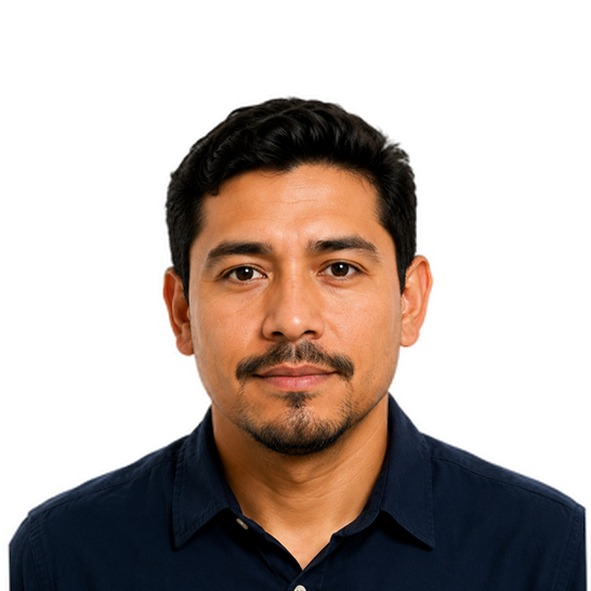
Prepare a photo for a Dominican Republic passport. PicComply reframes your photo, sets the head to the required proportion and applies a compliant background.
Free previewNo account requiredDeleted automaticallyFree sheet of 4 photos
Requirements for this document
What this document demands of your photo.
✓Size: 50 × 50 mm
✓Head height between 49 % and 69 % of the photo
✓Background: plain white
✓Neutral expression, mouth closed
✓Both eyes open and clearly visible
✓No glasses
✓Taken within the last 6 months
Al adjuntar la fotografia Digital, esta debe cumplir con las siguientes especificaciones segun el documento 9303 de la OACI: Tamano de 2 x 2 pulgadas (5 x 5 cm). No se aceptaran otros formatos. Tome la foto con un fondo blanco.
www.pasaportes.gob.do
Requirements for a filing made in Dominican Republic. An embassy or consulate may ask for a different size — check with the post first.